What's in the template?
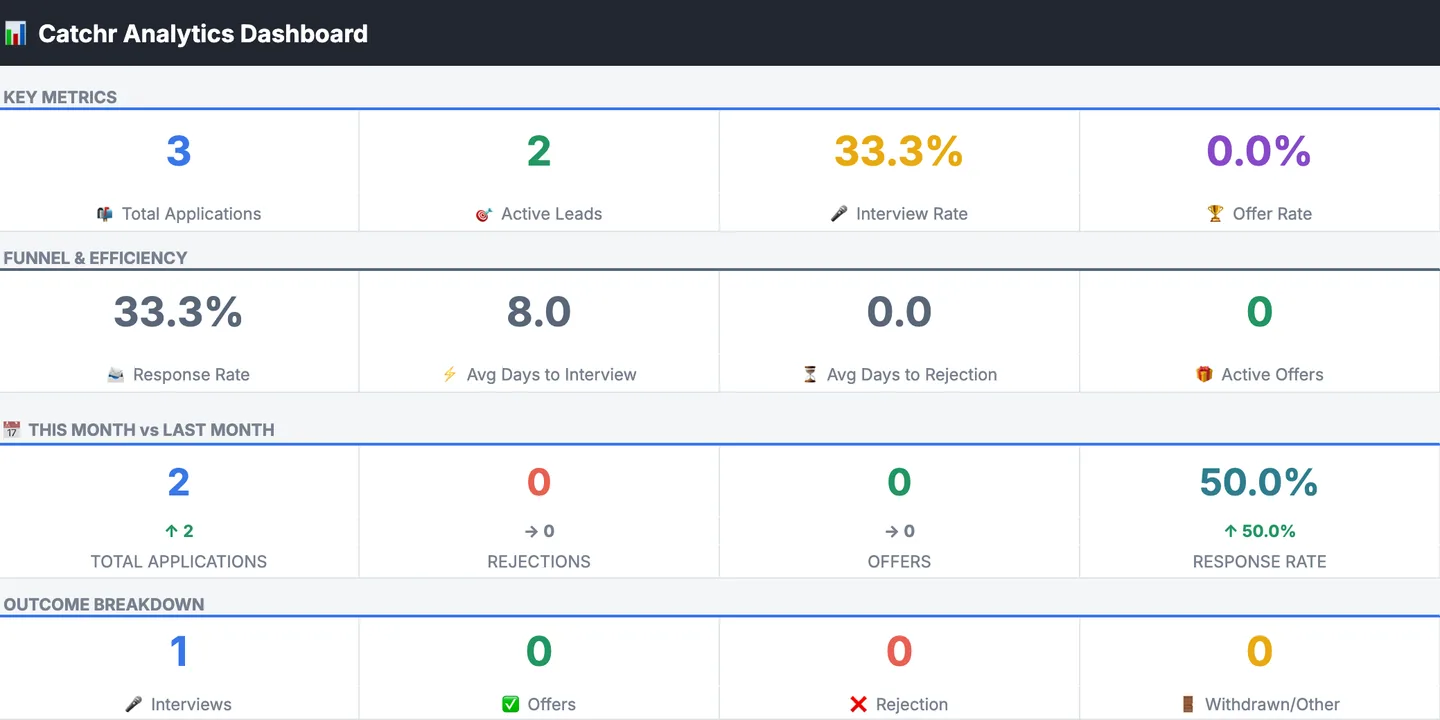
Twelve columns that cover a job from the posting to the offer, plus a Dashboard tab with your response rate, interviews, offers, and the applications to follow up on.
Keep a row for every job you're considering, not only the ones you've applied to. It's how you spot patterns later: which roles reply, and how long they take. Every column has a filter button, so you can show just one company, one outcome, or only the jobs you've applied to.
- Company
- Who's hiring.
- Location
- City, or Remote.
- Position
- The job title.
- Link
- The posting, so you can find it again after it comes down.
- Applied?
- yes or no, from a dropdown. Track jobs you're still deciding on too.
- Date Applied
- The day you sent it.
- Response Date
- The day they first replied.
- Days in Between
- Filled in for you. It shows how long they took to reply.
- Outcome
- Unresponsive, Interview, Offer Received, Rejection, or Withdrawn, each with its own color.
- Offer?
- yes or no.
- Fit Score
- How well you match the job, out of 100. Catchr's Check Fit fills this in.
- Notes
- Recruiter names, referrals, salary range, or anything else.
How do I open it in Google Sheets?
Click Open in Google Sheets, then Make a copy. Your own copy lands in your Google Drive, with the dropdowns, colors, and formulas ready to use.
- aClick Open in Google Sheets and sign in to Google if it asks.
- bClick Make a copy. The copy is yours, saved in your own Google Drive.
- cDelete the three example rows and add your first job.
Prefer Excel? Download the .xlsx file instead. It opens in Excel, and you can upload it to Google Drive later.
When should I follow up on an application?
If a week has passed with no reply, a short, polite follow-up is reasonable. The Dashboard tab lists every application that's 7 to 14 days old with no response in its Follow-Up Zone, so you know when it's time.
After 14 days with no reply, the application moves to the Ghosting Watchlist. That's not a rule, just a sign it may be time to put your energy into newer applications.
Can the tracker fill itself in?
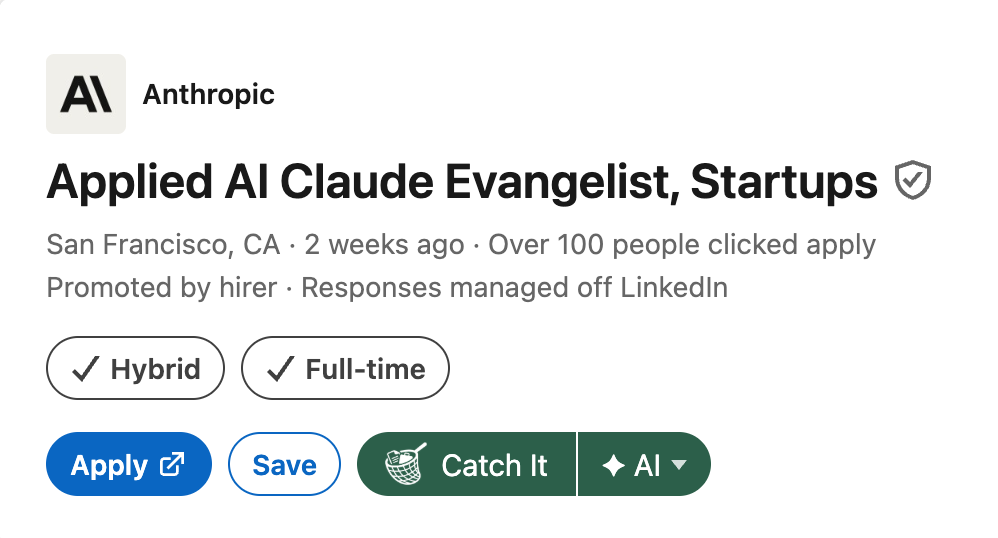
Yes. Catchr is a free Chrome extension that adds the job to your Google Sheet in one click, using these same columns, from LinkedIn, Indeed, Greenhouse, Lever, Wellfound, and Ashby.
 Add to Chrome, it's free
Click Catch It on a job posting and Catchr writes the company, position, location, link, and today's date into your sheet. Before you apply, Check Fit scores how well your resume matches the job, and the score lands in the Fit Score column. It's the same sheet as this template, dashboard included. It's free, and it runs on your own Google account and your own AI key.
Already made a copy of this template? After you add Catchr, open its Settings, click Connect a sheet from Drive, and pick your copy. Catchr then fills in that sheet instead of making a new one. It can only see files you pick, so it never finds the sheet on its own.
 Add to Chrome, it's free