Catchr for Chrome
Catchr tracks every job you're watching, then puts AI to work on each one: scoring your fit, tailoring your resume to the role, and getting your interview answers ready, all from your browser. Catchr itself is free.
The AI copilot
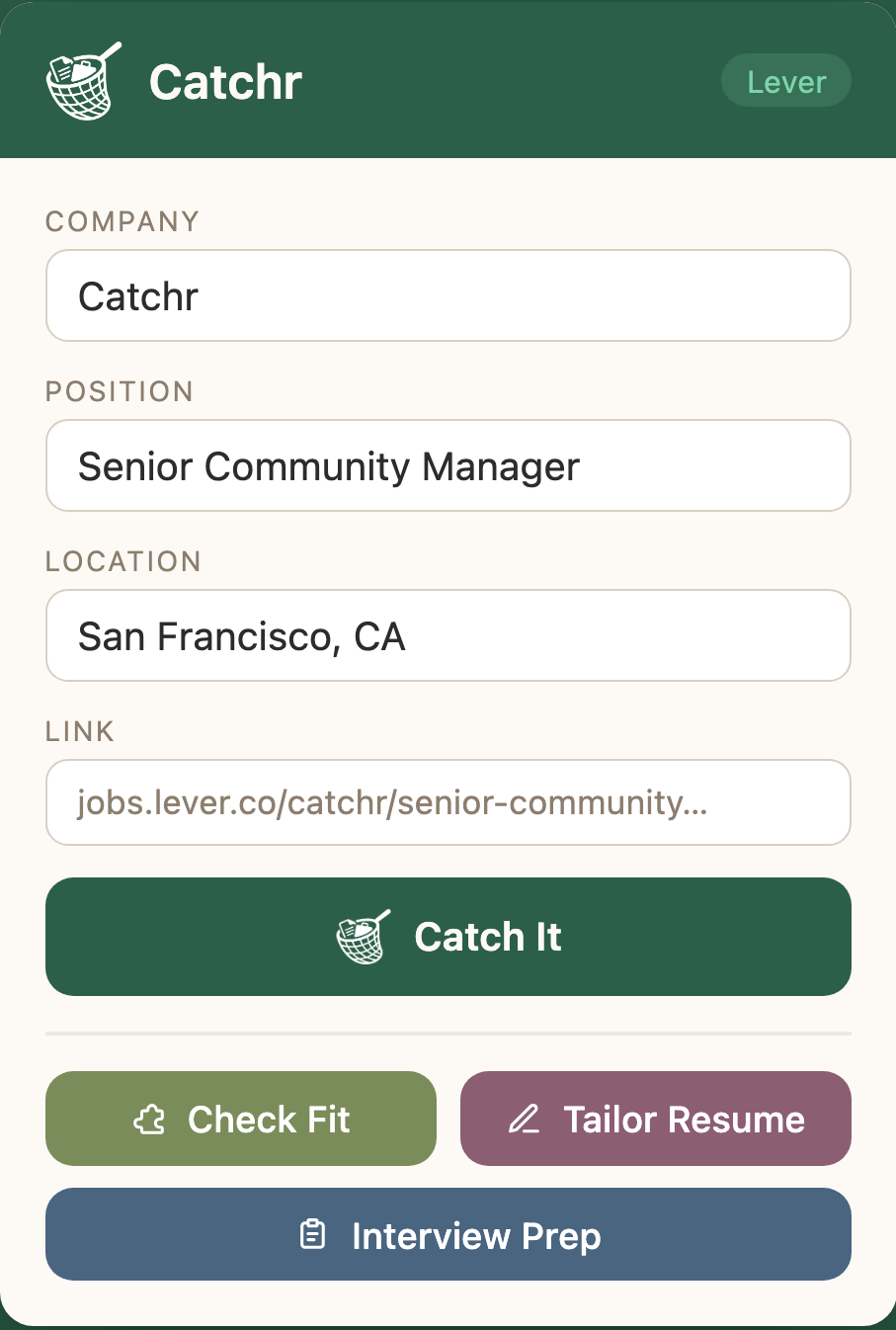
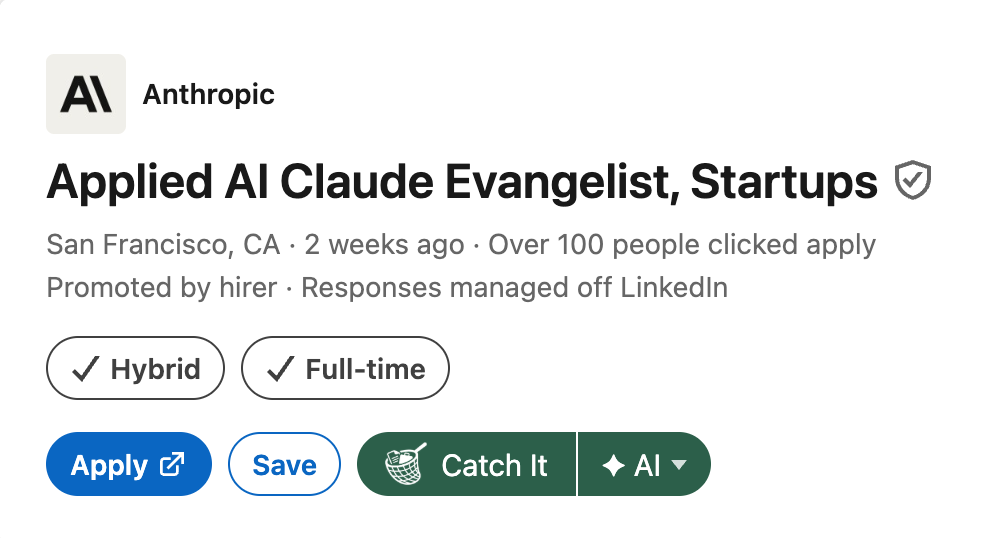
One click catches a listing and logs it to your tracker. Then three tools take over: telling you whether to apply, how to tailor your resume for the role, and what to say when you walk in the room, all on your own AI key (Gemini has a free tier), which is why Catchr costs nothing.
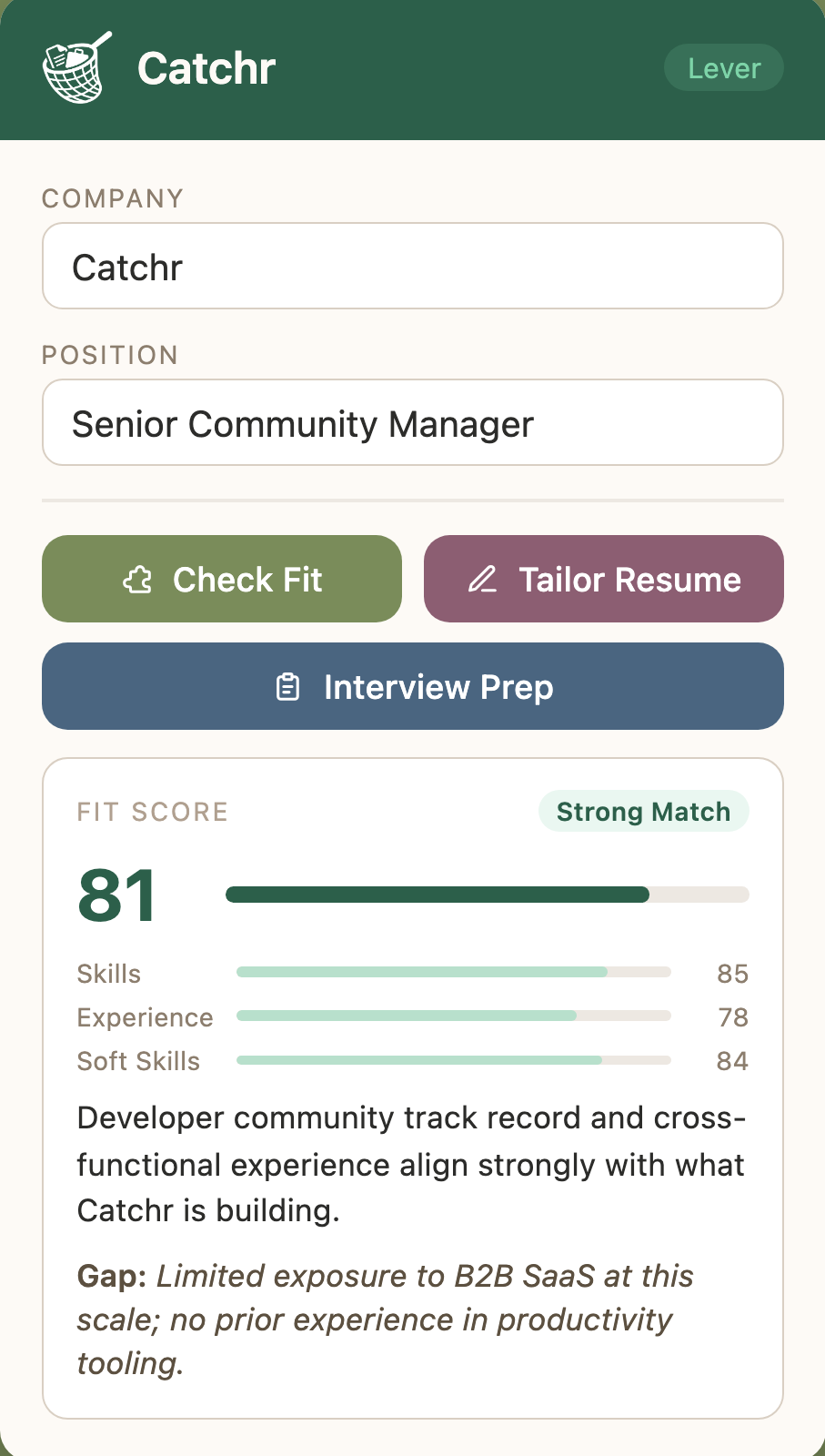
Every application goes better when you know where you stand. Catchr scores your background against the job description across skills, experience, and soft skills, so you can apply with clarity instead of hope.
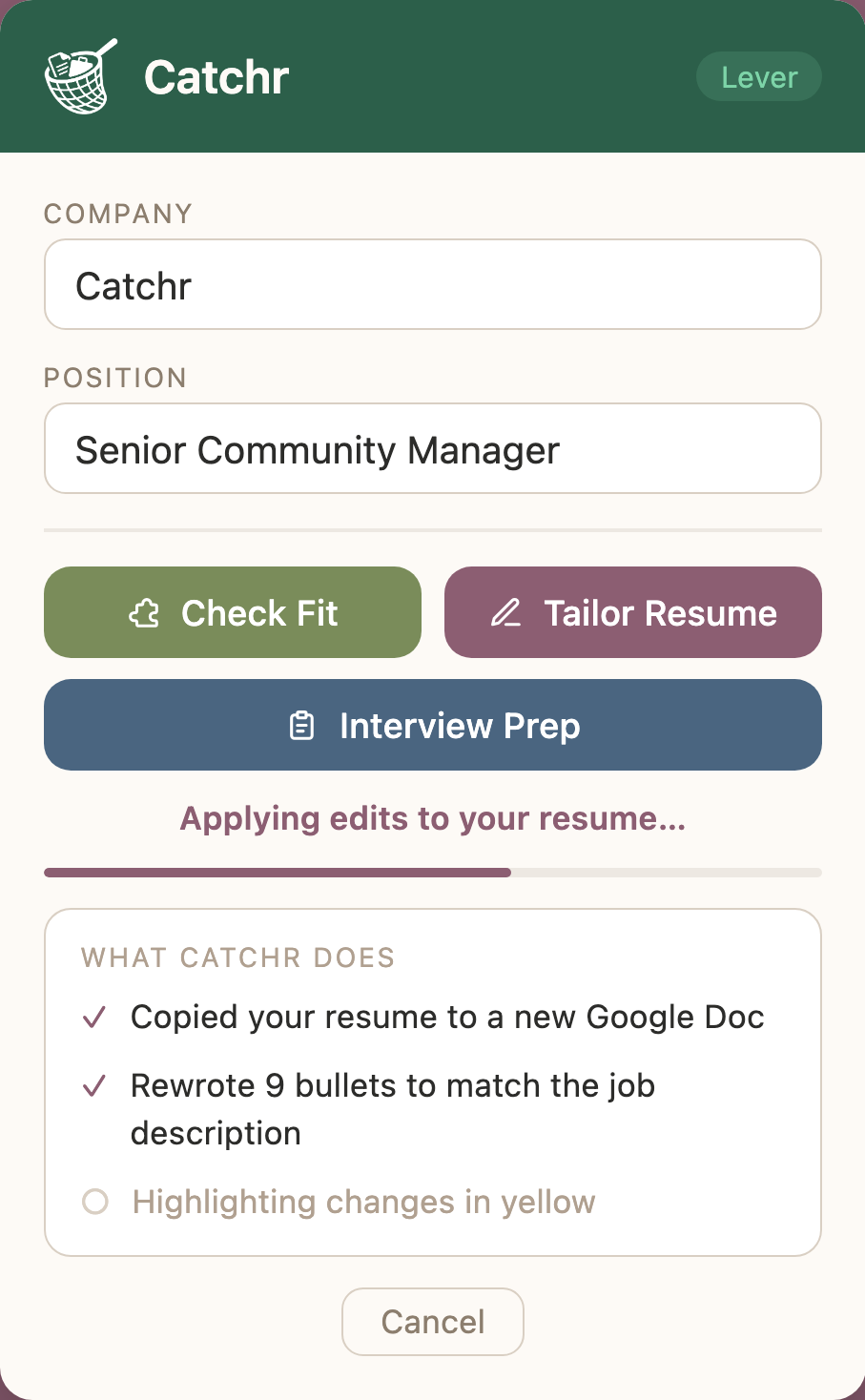
Catchr copies your Google Doc resume, rewrites the bullets to match the job description, highlights new wording in yellow, and leaves a comment on anything moved or cut, so you decide what stays.
AI can make mistakes. Always review your tailored resume before sending.
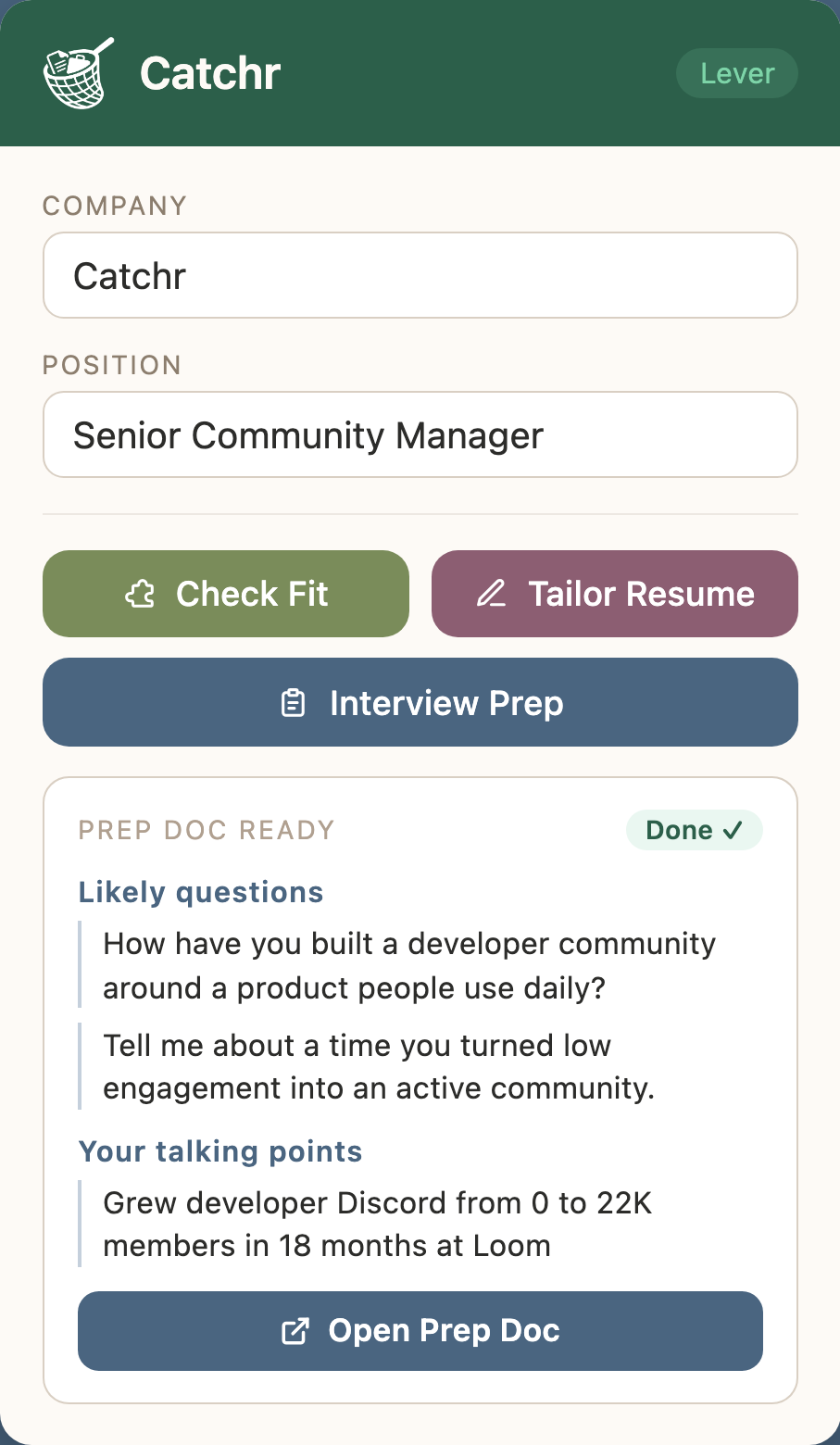
Catchr builds a full interview prep doc from your resume and the job description: a company overview, your strongest talking points, STAR stories to prep, and sharp questions to ask, all saved to your Google Drive.
On the page, not in the way
Catchr also puts Check Fit, Tailor Resume, and Interview Prep directly on the listing you're reading, so you can run any tool without opening the popup or leaving the page.
Track every application
Catchr creates a single Google Sheet for your search and fills it in every time you hit Catch It, tracking each role you apply to, with space to update the status as you move through the process. Flip to the Dashboard tab and Catchr has already done the math: total applications, response and interview rates, weekly momentum, and insights like your best day to apply, all kept up to date automatically.
| Company | Role | Status |
|---|---|---|
| Linear | Sr. Community Manager | Interviewing |
| Notion | Product Marketing Lead | Offer |
| Figma | Developer Advocate | Applied |
| Ramp | Lifecycle Marketing | Rejected |
Flip to the Dashboard tab and Catchr has already done the math:
How it works
Install Catchr, connect your Google account, and paste in your AI key. Gemini keys from Google are free, or you can use Claude or ChatGPT. You only need to do this once.
See a role on LinkedIn, Greenhouse, Lever, or anywhere else. Click Catchr and the job lands in your tracker instantly, without leaving the page.
Check your fit score, tailor your resume to the role, or generate a full interview prep doc. Your fit score appears in Catchr, and tailored resumes and prep docs save to your Drive.
Your data, your drive
Everything Catchr creates, from caught jobs to tailored resumes and prep docs, lives in your Google Sheet and Google Drive. The AI runs on your own key, so requests go straight from your browser to the AI you picked (Gemini, Claude, or ChatGPT) and nothing passes through us. Your resume, the jobs you're eyeing, and everything Catchr generates stay between you, your Google account, and the AI you chose.
Caught jobs, tailored resumes and prep docs are written straight to your own Google account.
We don't keep a copy of your resume or your history. No shadow database.
We never sell your data or use it to train anything. Full stop.
It's all in files you own, so revoke access or clear it whenever you like.
AI requests go directly from your browser to Google, Anthropic, or OpenAI using your own key. They never pass through us, and the documents Catchr makes are saved to your own Google account. Catchr removes the name and contact details it detects from your resume before sending it. This can miss details; see the privacy policy.

Go in knowing your fit, with a resume that speaks to the job, and your answers ready before they ask.
Add to Chrome
Bring your own Gemini, Claude, or ChatGPT key · Works on LinkedIn, Indeed, and more